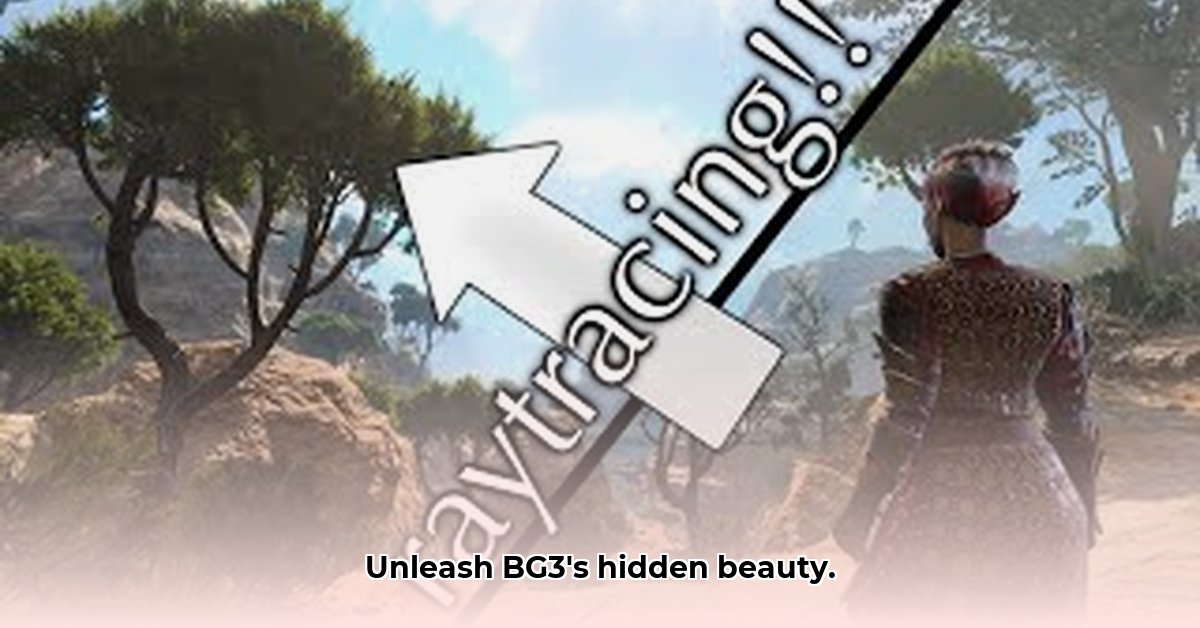
Ready to transform your Baldur's Gate 3 experience from visually appealing to breathtakingly stunning? ReShade, a free graphics enhancement tool, lets you completely overhaul the game's lighting, colors, shadows, and more, offering a level of visual customization most gamers only dream of. But with numerous ReShade options available for BG3, choosing the right one can be daunting. This guide focuses on two popular choices— "BG3 ReShades Galore" and "Pure ReShade"—helping you decide which best suits your needs and walking you through installation and troubleshooting.
Choosing Your Visual Adventure: "BG3 ReShades Galore" vs. "Pure ReShade"
Imagine two restaurants: a vibrant buffet with endless options, and a cozy bistro offering an exquisite, curated meal. This analogy perfectly captures the difference between these two popular ReShade presets.
"BG3 ReShades Galore" is your all-you-can-eat visual buffet. It boasts a massive variety of styles—from dark, moody fantasy realms to subtle enhancements that retain the game's original aesthetic. This incredible freedom also means you'll spend time experimenting to find your perfect visual style. It's a powerful toolkit, demanding hands-on tinkering. Isn't that a compelling challenge for the dedicated modder?
"Pure ReShade," in contrast, is the elegant bistro. Its creator meticulously crafted a single, refined aesthetic. It provides immediate visual improvements without extensive exploration. While lacking the sheer variety, it guarantees a beautiful, cohesive look. It's a safe, reliable option for those seeking guaranteed enhancements without deep customization.
| Feature | BG3 ReShades Galore | Pure ReShade |
|---|---|---|
| Preset Variety | Huge selection, many styles | One carefully crafted preset |
| Customization Options | Extensive, tweak almost every aspect | Limited, primarily focused on the preset's design |
| Ease of Use | Moderate, requires experimentation | High, immediate results |
| Performance Impact | May slightly impact performance (depending on preset) | Generally minimal performance impact |
| UI Compatibility | Might need UI masking (explained later) | Aims for minimal UI interference, but adjustments may be needed |
ReShade Download BG3: A Step-by-Step Installation Guide
Ready to enhance your visuals? Let's install ReShade and your chosen preset. The process is simple but demands careful attention.
Step 1: Downloading ReShade
Download the latest ReShade version from the official website. This is a quick and straightforward process. Don't forget to back up your save files before proceeding—a crucial step for any modding endeavor. Have you ever lost progress due to a mod conflict? It's a painful experience best avoided.
Step 2: Selecting and Downloading Your Preset
Choose between "BG3 ReShades Galore" (for its wide variety) or "Pure ReShade" (for its polished single preset), and download your preferred option. The specific download links would be found on the mod hosting sites (such as Nexus Mods).
Step 3: Installing ReShade
- Run the ReShade installer.
- Locate your Baldur's Gate 3 executable file (usually in the game's installation directory).
- Select the appropriate DirectX versions (typically DirectX 11 and 12).
- Choose your downloaded preset(s) from the list.
- Click "Install."
Step 4: Launching the Game and Fine-Tuning
Launch Baldur's Gate 3. You'll see a ReShade interface overlay. Experiment with settings within the preset. Adjust sliders and fine-tune effects to personalize your visual experience. This is where your creativity truly shines! Remember, the best settings are subjective and depend on individual preference.
Step 5: Addressing Potential UI Issues (If Necessary)
Sometimes, ReShade might slightly blur the in-game user interface (UI). This is often addressed with a UI masking mod, easily found online. We'll discuss this further in the troubleshooting section.
Troubleshooting: Tackling Common Problems
While ReShade is stable, minor issues might arise. Here's how to address them:
Performance Problems: If you experience stutters or slowdown, reduce the intensity of effects or disable some entirely. Adjusting the game's internal graphics settings can also significantly impact performance. Did you know that lowering shadow quality can sometimes drastically improve frame rates?
UI Blur: A dedicated UI masking mod is typically the solution. This is a common problem, and a well-made UI mask will quickly resolve it.
Game Crashes: Outdated graphics drivers are the frequent culprit. Updating your drivers is often the first step in troubleshooting game crashes. If crashes persist, reduce the number of active ReShade effects or reinstall the mod.
A Visual Comparison: Before and After
[Here you'd include before-and-after screenshots showcasing the impact of ReShade and illustrating the UI blurring issue and its resolution. Ideally, these would highlight both "Pure ReShade" and "BG3 ReShades Galore" and the impact of applying UI masking.]
Remember, the ReShade modding community is incredibly active and supportive. Nexus Mods and other communities are excellent resources for finding solutions and exchanging tips. Many users share their findings and experiences, offering valuable insights. Engage with the community – it’s a great way to improve your modding skills and troubleshoot any problems you may encounter.
https://www.nexusmods.com/baldursgate3/mods/1861
⭐⭐⭐⭐☆ (4.8)
Download via Link 1
Download via Link 2
Last updated: Tuesday, April 29, 2025